
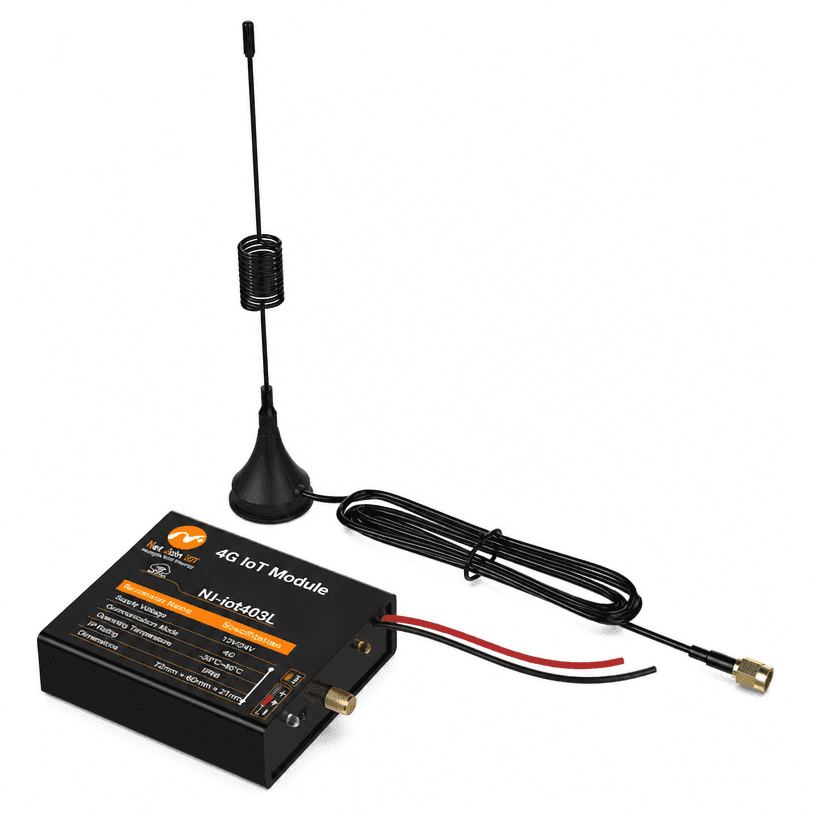
LoRa Solar Node Controller
Item No.: NJ-iot403L
LoRa solar node controller for use with a central controller. It acquires local solar-controller data through UART TTL or RS485 and supports remote load control, alarms and parameter monitoring.
Description
LoRa solar node controller for use with a central controller. It acquires local solar-controller data through UART TTL or RS485 and supports remote load control, alarms and parameter monitoring.
- Connectivity and interfaces: Solar, LoRa, Bluetooth, UART TTL, RS485, IP68
- Communication: LoRa; Bluetooth
- Interfaces: UART (TTL level) and RS485
- Battery systems: 3.2 V / 12 V / 24 V
- Operating frequency: 902–928 MHz
- No-load current: 10 mA at 12 V; 6 mA at 24 V
- Operating temperature: -35°C to +65°C
- Protection rating: IP68
- Dimensions: 72 × 66 × 21 mm
- Net weight: Approximately 0.1 kg
- Functions: Remote load switching, dimming, controller data reading, fault alarms, positioning and firmware upgrade
Specifications
Review the main configuration points for LoRa Solar Node Controller, including control method, network, monitoring, interfaces, and deployment fit.
- Model
- NJ-iot403L
- Communication
- LoRa; Bluetooth
- Interfaces
- UART (TTL level) and RS485
- Battery systems
- 3.2 V / 12 V / 24 V
- Operating frequency
- 902–928 MHz
- No-load current
- 10 mA at 12 V; 6 mA at 24 V
- Operating temperature
- -35°C to +65°C
- Protection rating
- IP68
- Dimensions
- 72 × 66 × 21 mm
- Net weight
- Approximately 0.1 kg
- Functions
- Remote load switching, dimming, controller data reading, fault alarms, positioning and firmware upgrade
Application scenarios
- Smart street lighting and solar lighting projects that need remote monitoring, control, and fault visibility.
- Outdoor infrastructure deployments requiring model-level hardware selection before quotation.
Product buyer FAQ
What is LoRa Solar Node Controller used for?
LoRa solar node controller for use with a central controller. It acquires local solar-controller data through UART TTL or RS485 and supports remote load control, alarms and parameter monitoring.
Which specifications should I check before ordering?
Check the listed supply voltage, interfaces, communication network and regional configuration against your project requirements. Ask NetJoin to confirm any unspecified options or differences between document revisions.
Where can I find the product datasheet?
Use Download Datasheet on this page to review the supplied product document, including installation and configuration details.
Next steps
Share quantity, interface, communication method, location, and platform requirements so the engineering team can confirm fit.